
AirBolt Status: In Range vs Connected
Your AirBolt must show as Connected before you can perform an action such as unlocking on the AirBolt Lock/Card it or making it ring. This is not a requirement for the AirBolt GPS as it can communicate over cellular as long as you have an active subscription.
In Range means your AirBolt has been detected nearby, but the app has not yet completed the connection and authentication process.
Once you are close enough and authentication is complete, the app will automatically change the status from In Range to Connected.
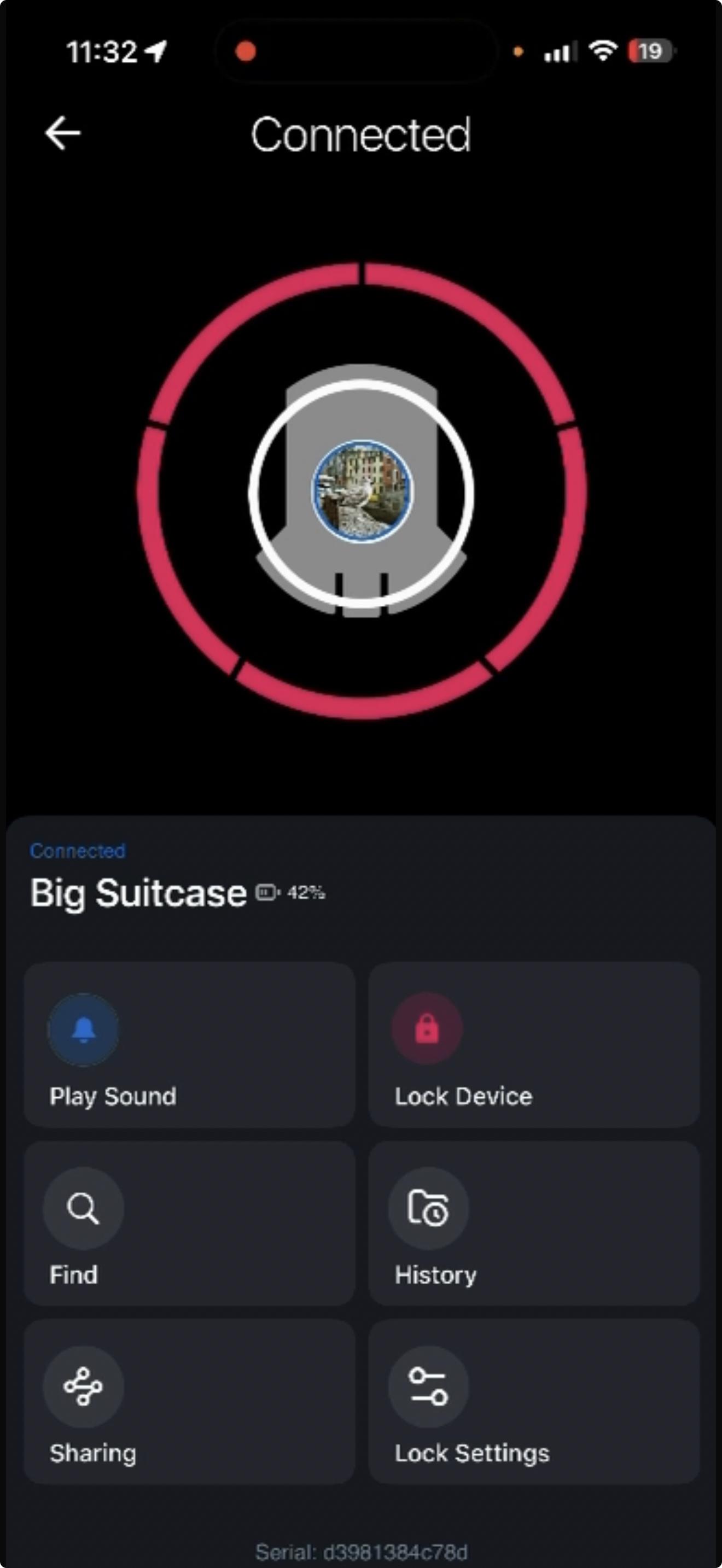
Note for AirBolt Travel Lock users:
On some Android devices, establishing and authenticating a connection may take a little longer. This can vary depending on the phone and its Bluetooth behaviour.
If the status remains In Range for longer than expected, try:
Pulling down on the device list to refresh it.
Tapping the AirBolt in the list to prioritise the connection.
Once the connection and authentication process is complete, the status will change to Connected.